7) With label stock in the printer, I click Now.
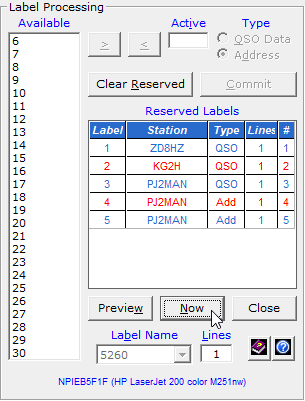
And the labels print on my printer in the font chosen.
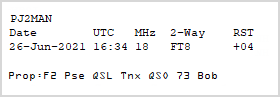
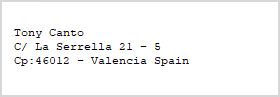
Here are sample labels for my contact with PJ2MAN.
Properties for labels are set on the Properties - Direct Print QSL Labels window.
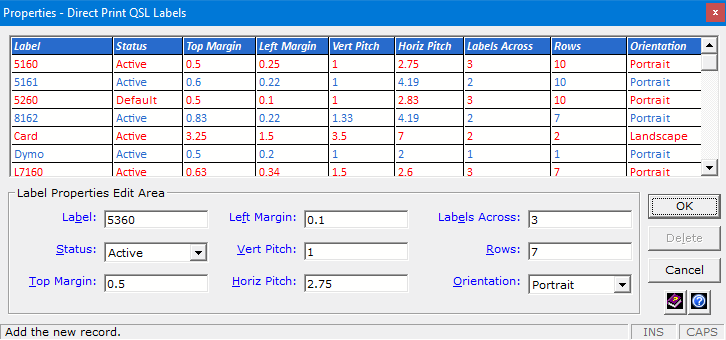
Default values and instructions for adding new ones come with DXtreme Station Log 15.
Home |
Checking DX Spots |
Adding the Log Entry and Automatically Uploading to LoTW |
Using JT Log Entry Processing
Using the Outgoing QSL Web Service |
Creating QSL and Address Labels |
Printing QSL and Address Labels |
Capturing an Improv Image
Managing Paper QSLs |
Managing LoTW QSLs |
Monitoring Performance |
Analyzing Your DXCC Status |
Other Fine Features |
Implementation and More
Click Here to Return Home