9) I heard the mail carrier drive by, so I visited my mailbox ... amidst the bills was a QSL card
from VK9NK!
Let's process it.
I perform a Quick Find for VK9NK and display its record. I indicate that I received
a traditional QSL card from QSL manager SP9FIH, specify a name for the upcoming
QSL image file, and click OK.

Then I click Scan, and:
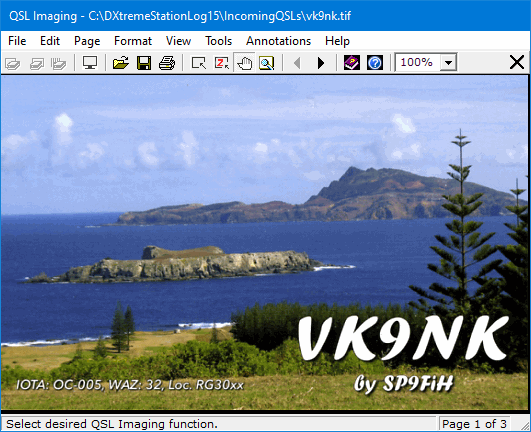
Scan the Front of the QSL.
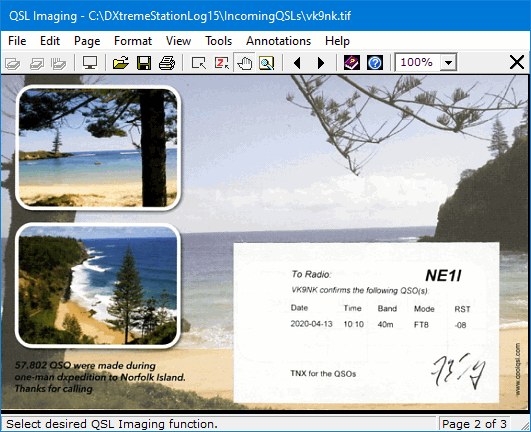
Then the Back.
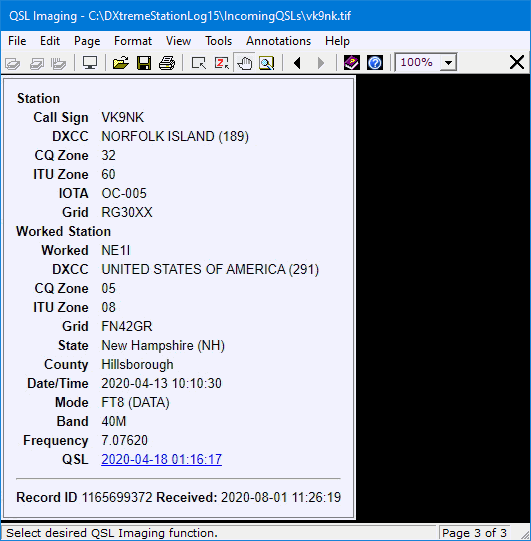
Finally, I use the screen capture function in the QSL Imaging application to capture and append
the LoTW QSL (which I received earlier) from the LoTW Web site.
I close the QSL Imaging application, and a preview of the QSL appears on the Verification tab.
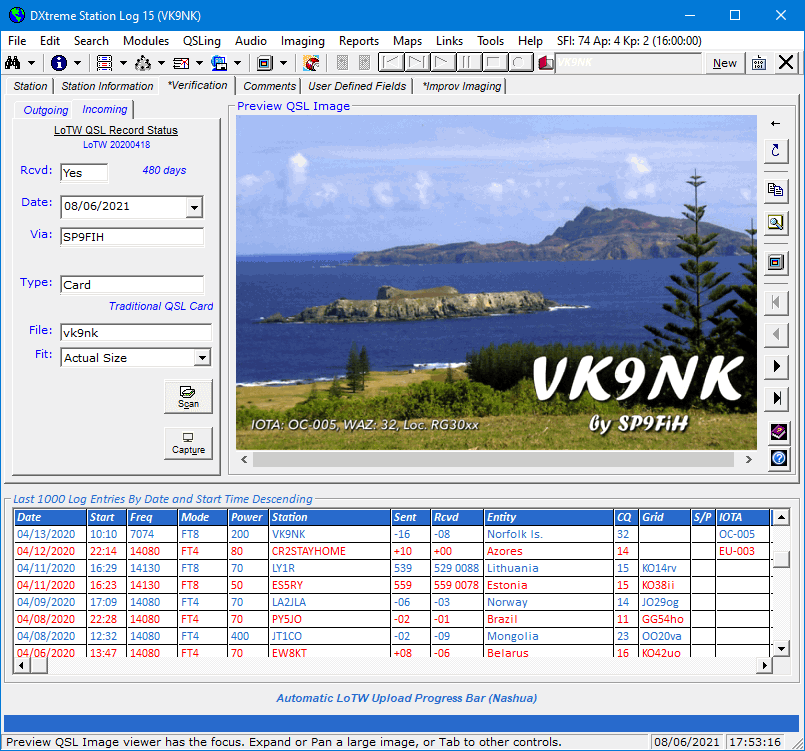
Any time I want to, I can use the command buttons on the right-side of the previewer
to expand, contract, and refresh the image; copy the image to the Clipboard; magnify the image;
view it full-size
in the QSL Imaging application again; and navigate
a multipage QSL image file.