11) In addition to using the LoTW QSL Update Utility, I use
Station Log 15's capture facility to save LoTW QSL
records as digital images in my QSL folder;
you know, along with my
scanned paper QSLs.
They are, after all, real QSLs!
I begin by entering a filename for the QSL image file on the Verification/Incoming
tab — as I would when scanning a paper QSL — and
click Capture.
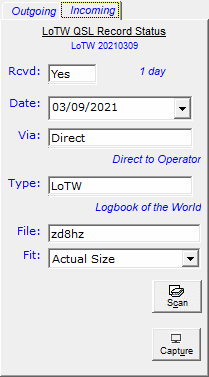
Next, I display the LoTW QSL record on the LoTW web site, press F7
on my keyboard, and select the area I want to capture ...
I release the mouse button, and ...
Voilą!
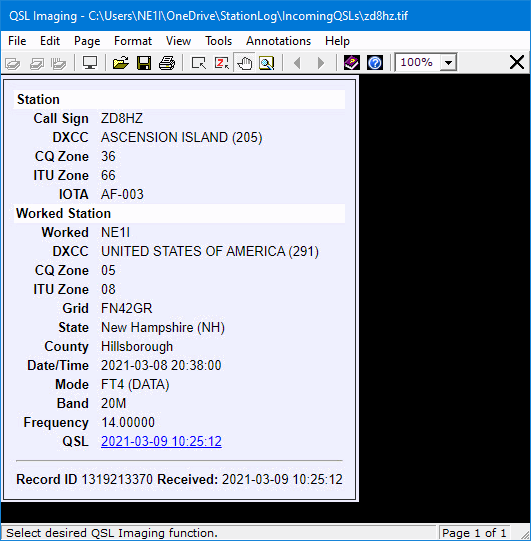
Station Log 15 captures the LoTW QSL record, saves it,
and displays it in the QSL Imaging application.
And in the Preview QSL Image area.
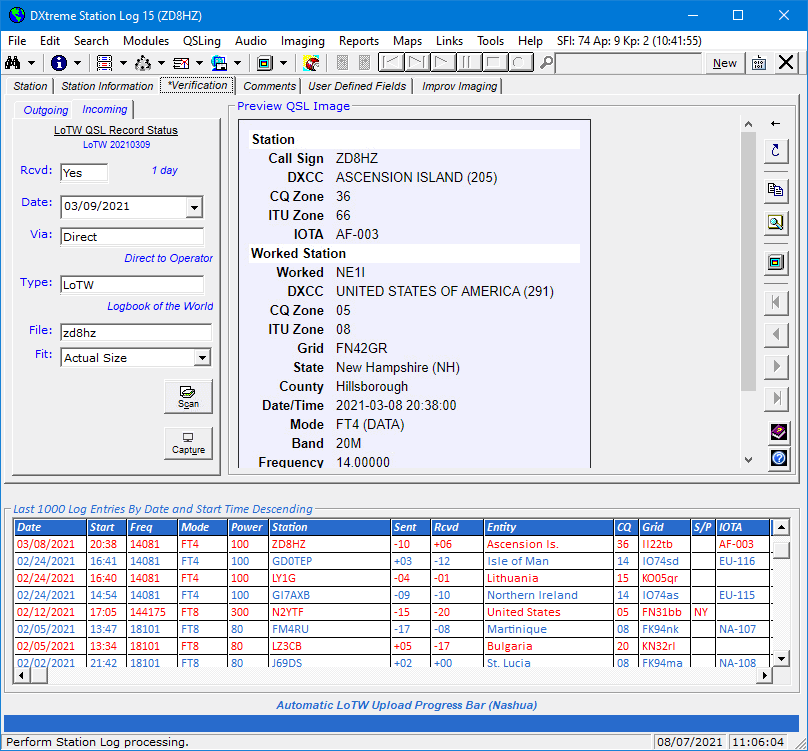
Where I can view it anytime I want ... just like my other QSLs!
Home |
Checking DX Spots |
Adding the Log Entry and Automatically Uploading to LoTW |
Using JT Log Entry Processing
Using the Outgoing QSL Web Service |
Creating QSL and Address Labels |
Printing QSL and Address Labels |
Capturing an Improv Image
Managing Paper QSLs |
Managing LoTW QSLs |
Monitoring Performance |
Analyzing Your DXCC Status |
Other Fine Features |
Implementation and More
Click Here to Return Home